Black Screen
The display remains completely dark with no startup response.
Professional diagnosis for Nintendo Switch, Switch OLED and Switch Lite systems that remain on a black screen, show no charging symbol or do not respond after being connected to power.
Professional board-level diagnostics • Warranty information provided • Local Bronx service
An unresponsive Switch can involve the battery, charging port, charging circuit or motherboard.
The display remains completely dark with no startup response.
The system shows no battery or charging indication when connected.
The console remains unresponsive even after being connected for an extended period.
The system briefly powers on and immediately turns off.
Power was lost after connector damage or use of a problematic cable.
The console only starts occasionally or after repeated charging attempts.
No-power symptoms require testing across the charging and power path.
Similar symptoms can have different causes. Final pricing and recommendations are confirmed only after diagnosis.
The USB-C port and input behavior are checked.
Battery condition and key power rails are evaluated.
Charging-control and likely short-circuit areas are tested.
The identified charging or power fault is repaired when appropriate.
The system is checked for stable startup and charging behavior.
The reported symptom and repaired function are reviewed.
The comparison illustrates a generic board-level diagnostic area before and after cleaning and inspection. Actual Switch faults vary.
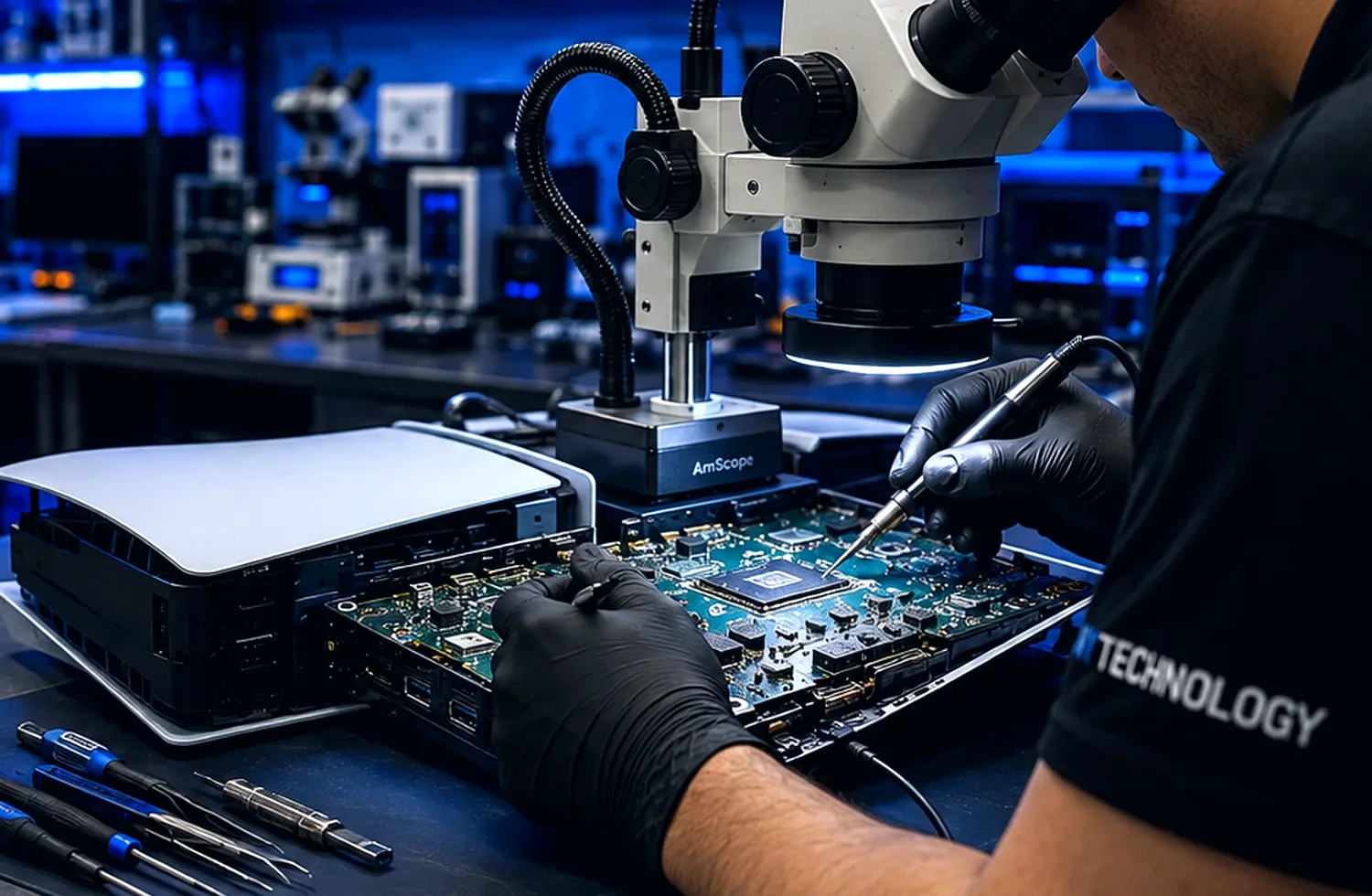
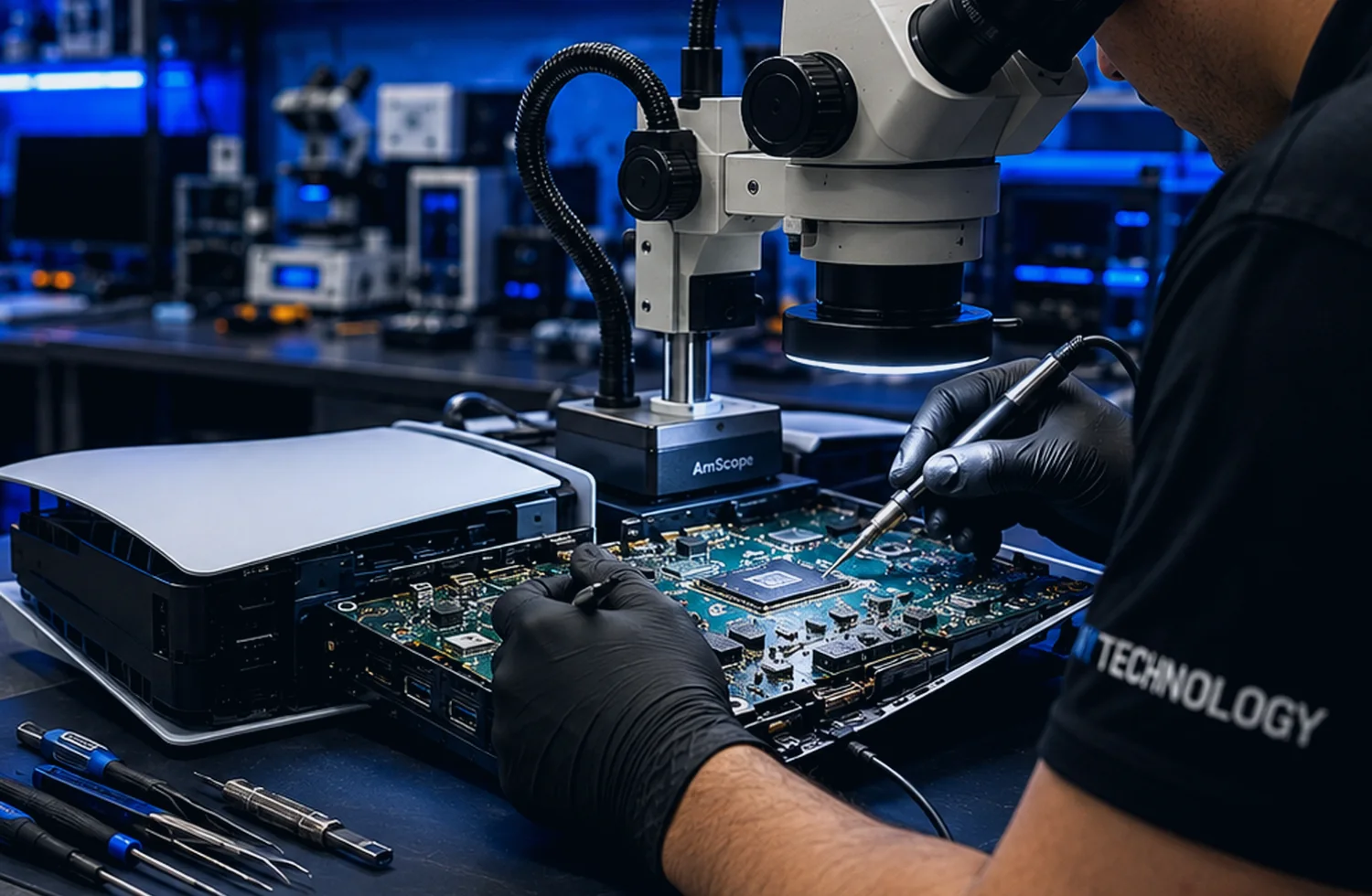
Illustrative comparison showing the type of visual inspection used during HDMI repair. Actual damage and completed work vary by console.
The goal is to identify the actual fault, explain the recommended work and test the repaired function before the device is returned.
Component-level inspection and microsoldering for qualifying faults.
Microscopes, precision soldering tools and diagnostic equipment.
The recommended repair is based on the confirmed device condition.
Applicable warranty terms are explained for qualifying completed repairs.
Service processes designed around modern game-console hardware.
Direct local communication for customers in the Bronx area.
Motherboard faults can be diagnosed and repaired when appropriate.
Precision tools and diagnostic equipment are used during service.
Repair processes are designed around modern game-console hardware.
The actual fault is reviewed before the repair recommendation is confirmed.
Applicable warranty information is provided for qualifying completed repairs.
Professional local support for customers in the Bronx and surrounding communities.
Qualifying repairs include clearly explained warranty terms. Coverage depends on the specific repair, device condition and completed work.
Final pricing, turnaround and warranty coverage depend on the diagnosed condition of the device.
Possible causes include the battery, USB-C port, charging-control circuitry, liquid damage or another motherboard fault.
Many no-power conditions can be repaired, but the available options depend on the diagnosed fault and board condition.
No. A black screen can also involve the display or another startup problem, so testing is required.
Yes. NYTechnology services supported Switch, Switch OLED and Switch Lite models.
Turnaround depends on the complexity of the charging or motherboard fault.
Applicable warranty terms are provided for qualifying completed repairs.
Send the model, symptoms and preferred contact method. NYTechnology will review the request and contact you about the appropriate next step.